Host and serve your app definition on your own server
Ensemble automatically serves your application definition (EDL). It also allows you to take the EDL from Ensemble studio and serve it from your own server.
Download the app.
You must have owner or editor permission to download the app.
Go to your app in ensemble studio and click on three dot icon button. Here click Download App button.
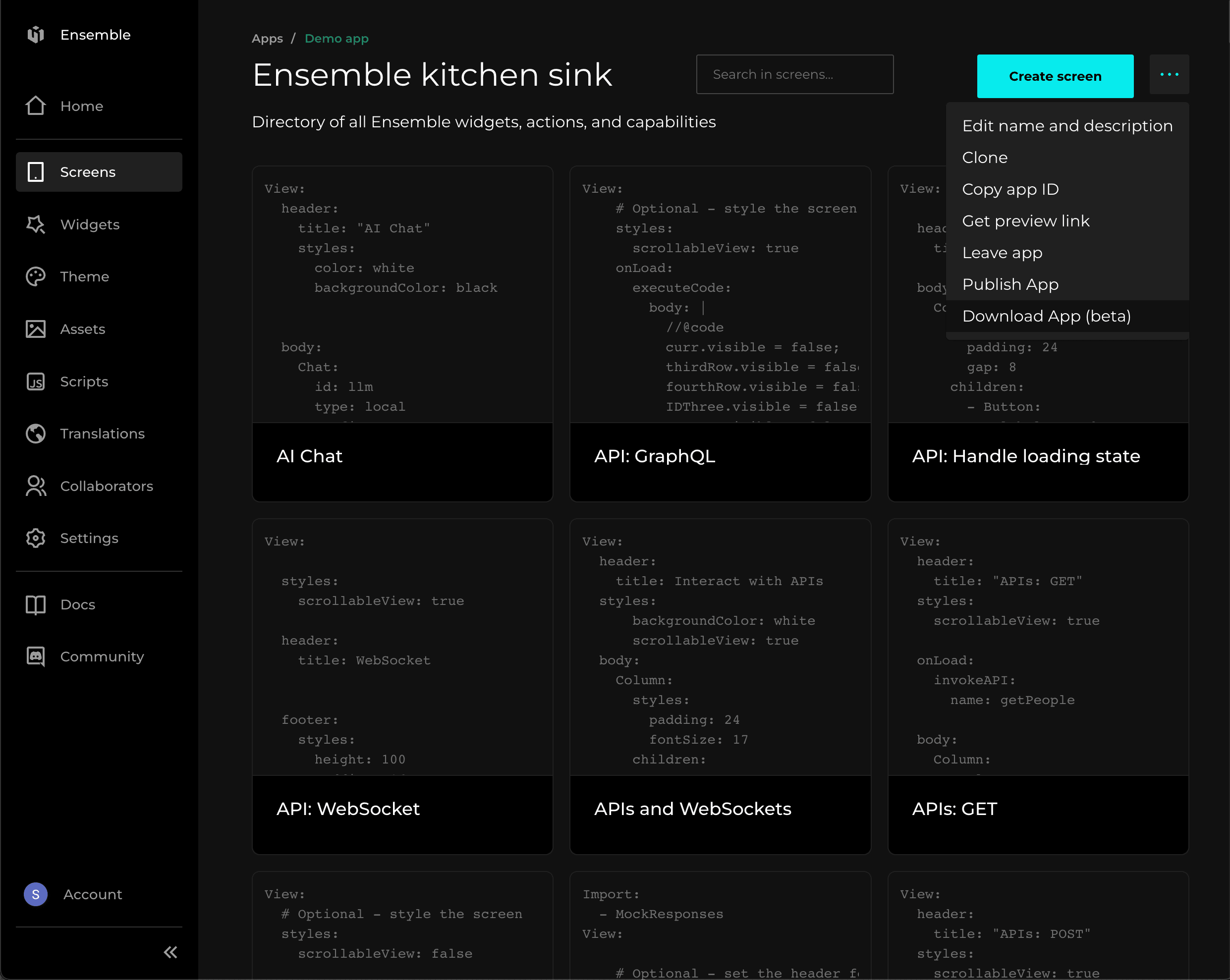
In few time a zip will be downloaded in your local computer. This zip includes everything that your client app needs.
Unzip the files and you’ll see some structure like following.
- .env
- Home.yaml
- appConfig.json
- en.yaml
- hi.yaml
- resources.ensemble
- theme.ensemble
Do not change any filename, extension or location of file.
Serve the files
The server code present here is just for demo purpose.
from flask import Flask, abort, Response
import os

app = Flask(__name__)

BASE_DIR = '<here-put-the-path-of-downloaded-app>'

@app.route('<path:filepath>')

@app.route('/<app>/<path:filepath>')
def serve_file(app, filepath):
    safe_app = os.path.normpath(app)
    safe_filepath = os.path.normpath(filepath)

    full_path = os.path.join(BASE_DIR, safe_app, safe_filepath)

    if not full_path.startswith(os.path.join(BASE_DIR, safe_app)):
        abort(403, "Access denied")

    if os.path.isfile(full_path):
        with open(full_path, 'rb') as f:
            content = f.read()
        return Response(content, mimetype='text/plain; charset=utf-8')
    else:
        abort(404, description="Resource not found")

if __name__ == '__main__':
    app.run(debug=True, host='0.0.0.0', port=5001)
fyi: This server code is used to serve static files of your application and you can run this by simply python filename.py
BASE_DIR is where all the downloaded from from download app button are available.
Here just make sure, the file serving route of your server can take filepath as parameter.
filepath can be Home.yaml or i18n/en.yaml.
Configure the client app
Make sure your file serving server is live.
Go to your ensemble-config.yaml under your ensemble directory in your client application.
definitions:
  from: remote # here change local or ensemble to remote

  remote:
    path: https://your-domain.com
    appId: <name-of-your-app-folder>
    appHome: <name-of-your-home-page>
    i18nPath: https://your-domain.com/appId/i18n